The challenge
The problem
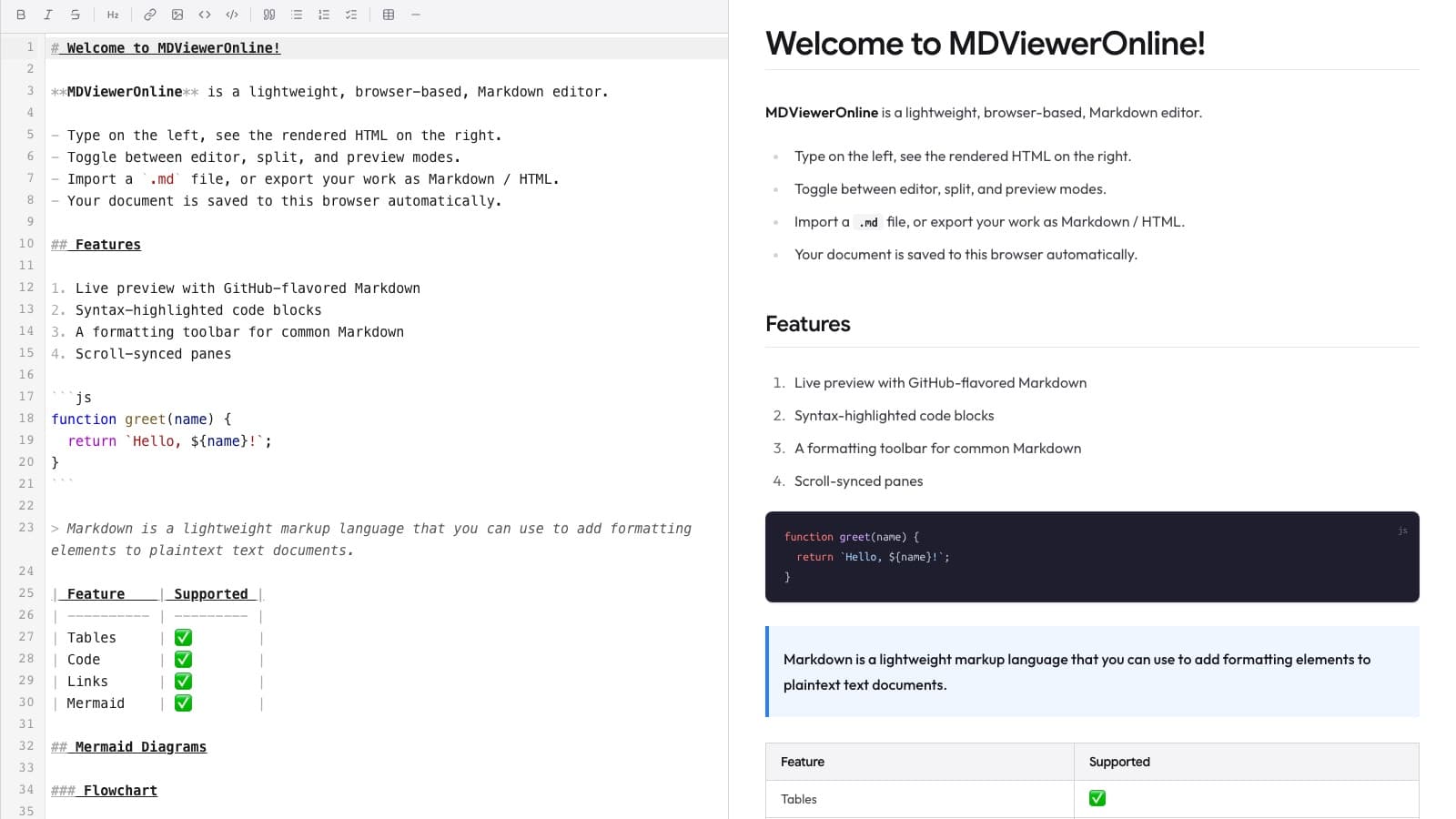
MDViewerOnline was a working Markdown editor, but the editor was the whole homepage. New visitors got no explanation, and search engines had nothing to index.
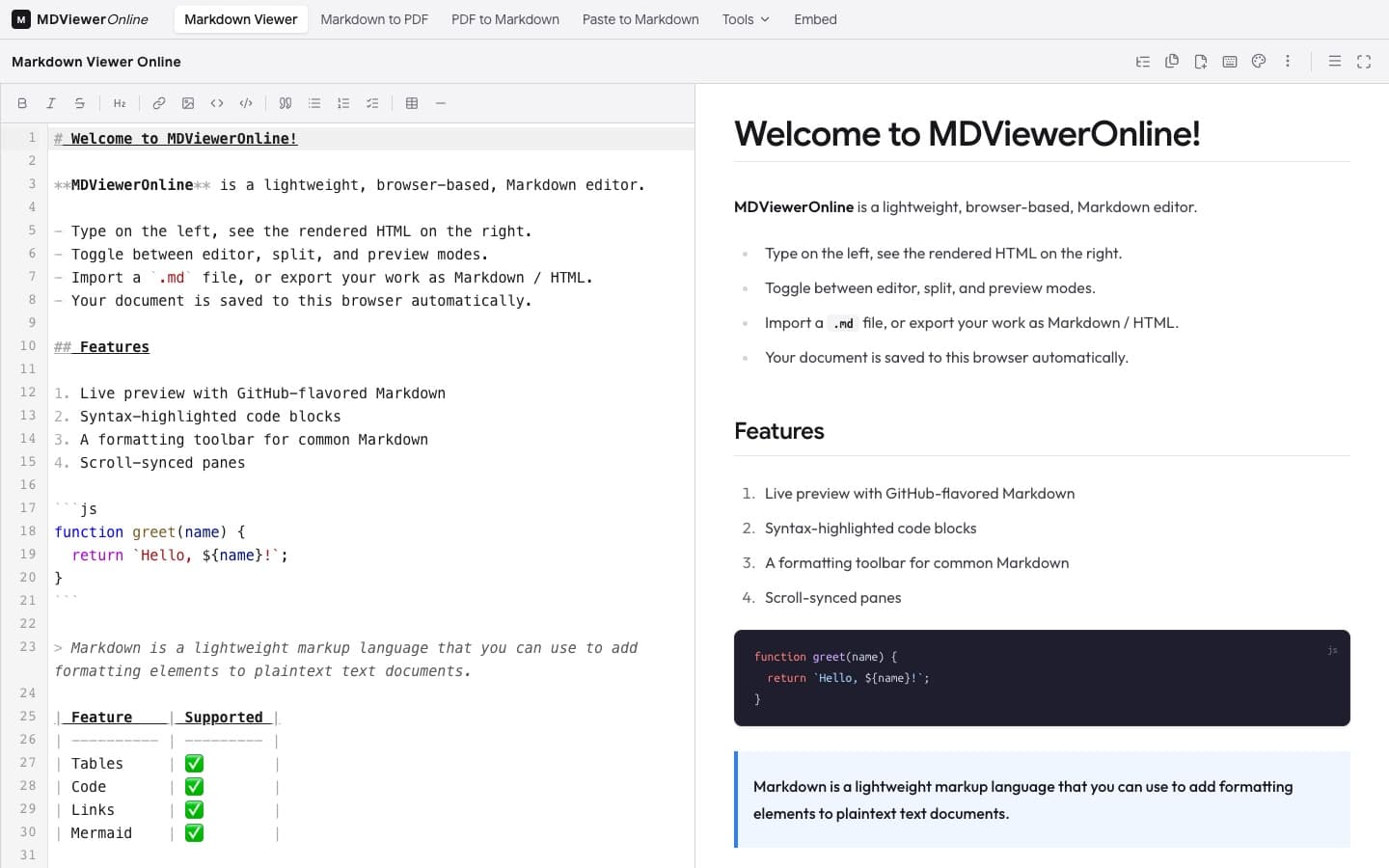
The editor already did a lot: live preview, Mermaid diagrams, KaTeX maths, and export to HTML, PDF, and Markdown, all in the browser with nothing uploaded to a server. People just could not find it.
Our solution
Today
- The editor was the homepage
- Nothing explained what the tool did
- Very little for search engines to find
- Exported files did not name the product
With the right system
- The editor moved to its own page at /app
- A proper homepage with the live editor built in
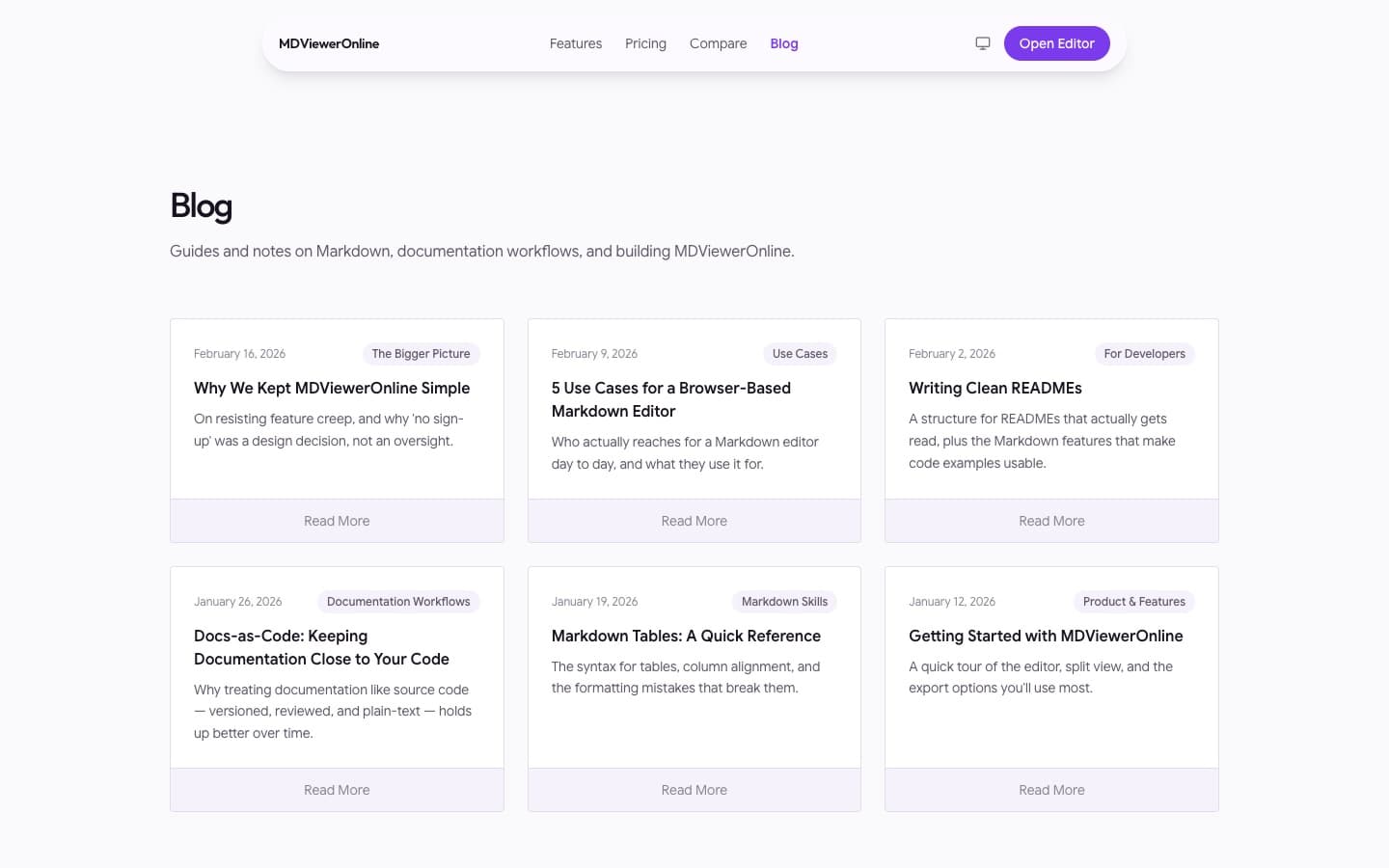
- Search basics in place, plus useful articles and guides
- Every exported file credits MDViewerOnline
Technologies used
| Technology | Used for |
|---|---|
| Next.js and TypeScript | The website and the editor app |
| CodeMirror 6 | The Markdown editor |
| Puppeteer | PDF export |
| Tailwind CSS | Styling and the design system |
| Vitest | Automated tests |
| Vercel | Hosting |
How we built it
Move the editor
The editor moved from the homepage to /app, so each page could work the way it needs to.
Build the homepage
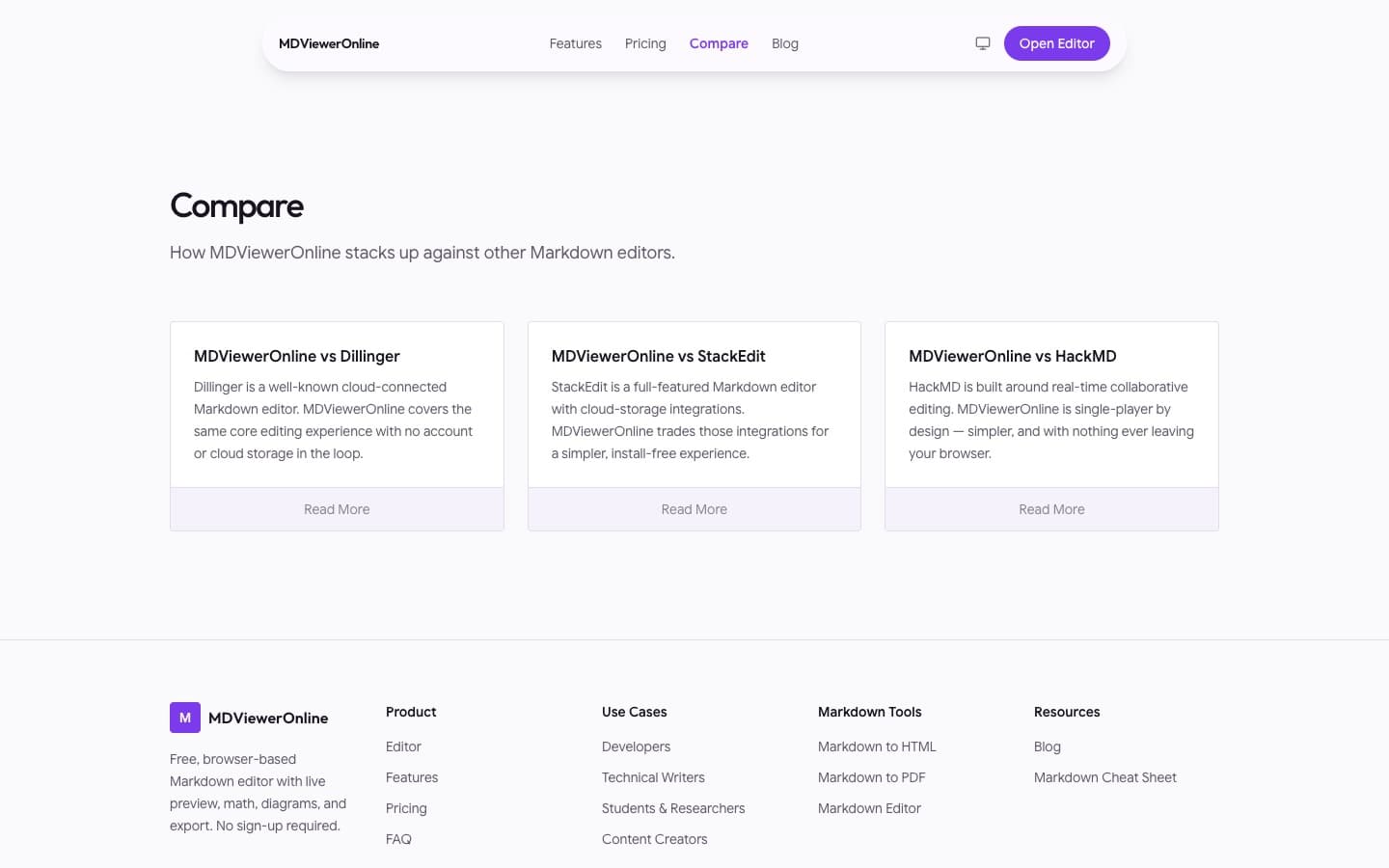
A new homepage with the live editor built in, features, use cases, pricing, and FAQs.
Help search engines
Structured data, share images for every page, a sitemap, and canonical URLs.
Write useful content
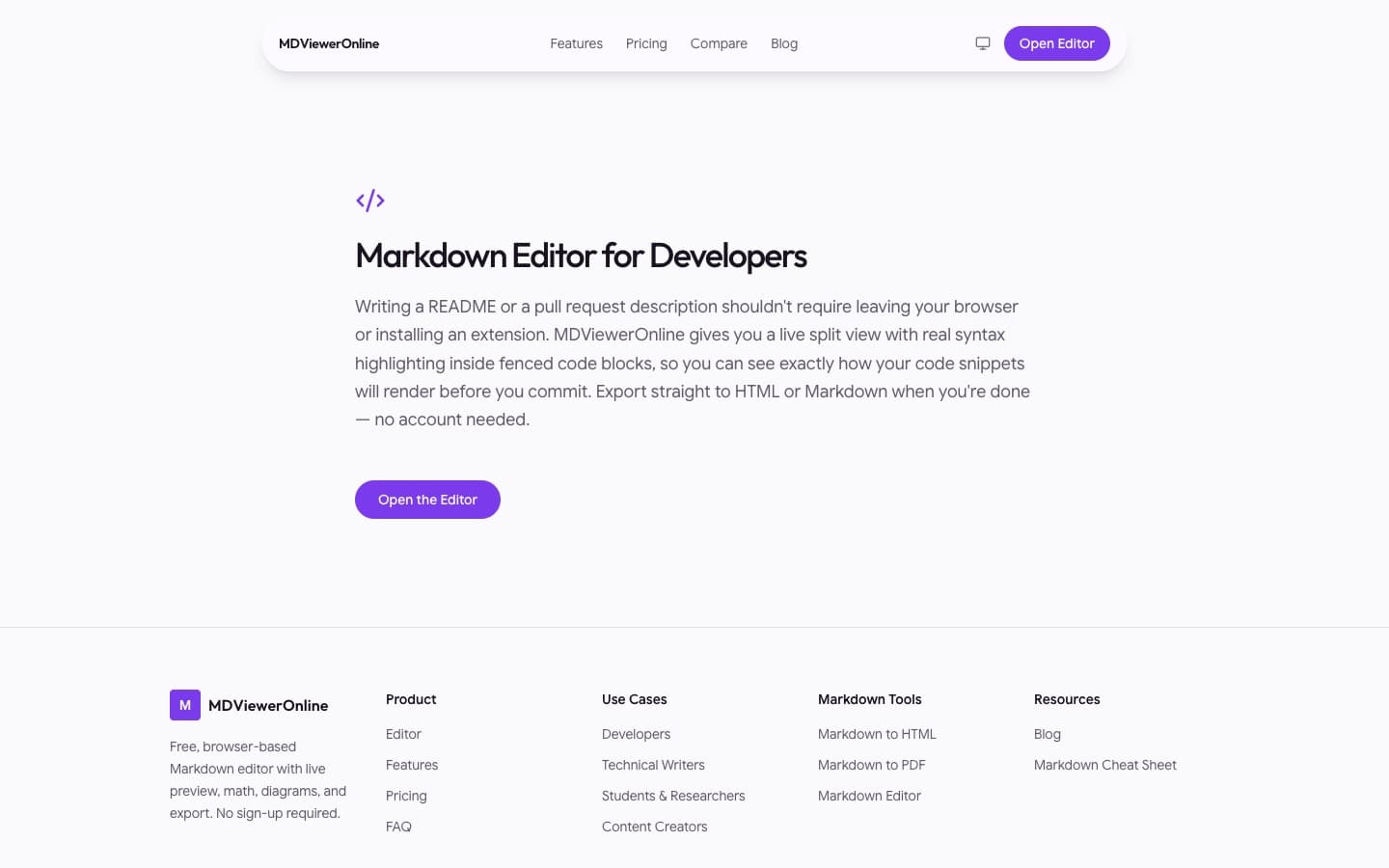
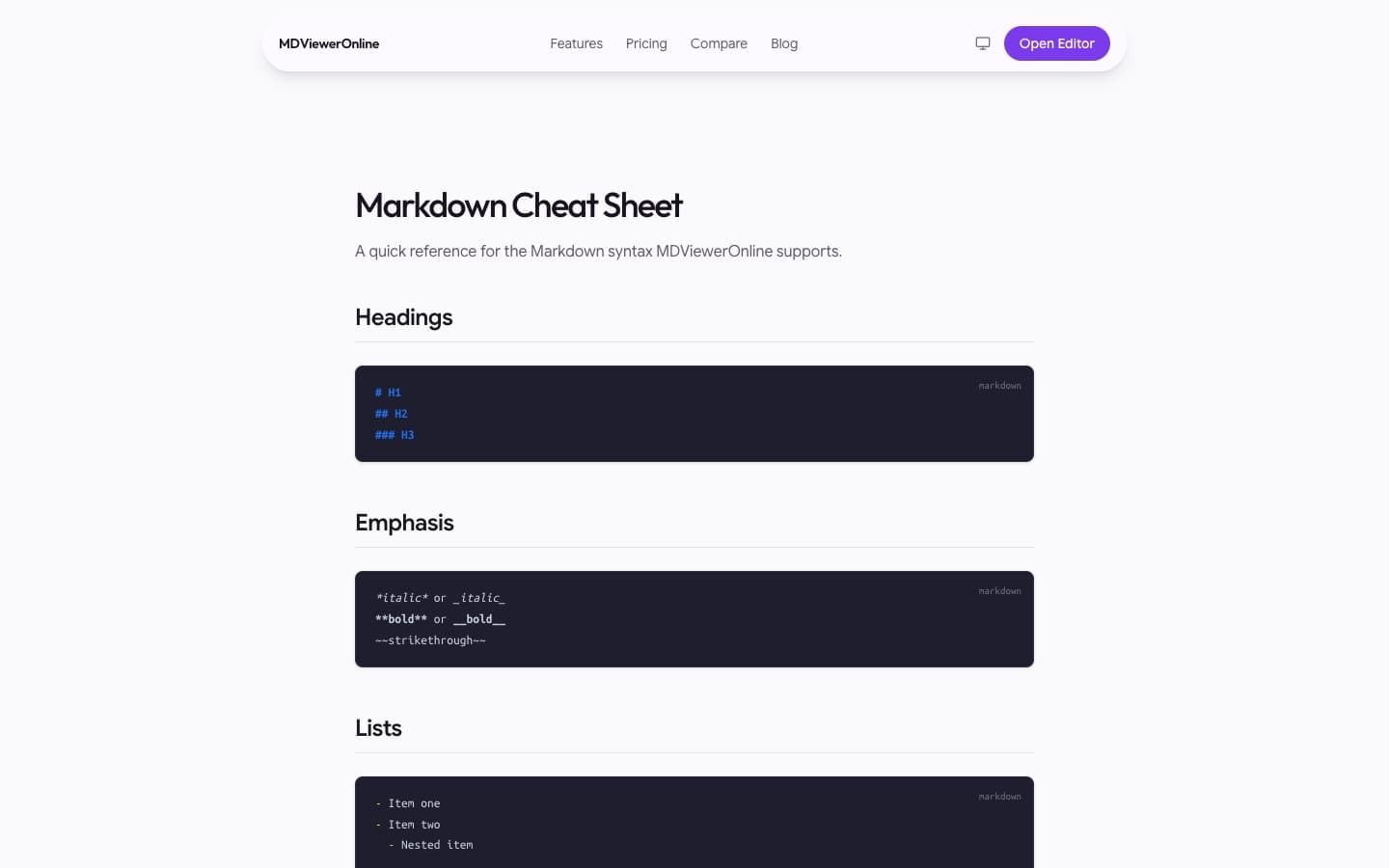
Guides, comparison pages, pages for different audiences, and a Markdown cheat sheet.
Improve the editor
A theme picker with live preview and a fullscreen mode.
Key takeaway
Every exported PDF and HTML file now carries the product name, so each shared document points people back to the editor.
Gallery
Project statistics
- export formats: HTML, PDF, and Markdown
- 3
- sign-ups needed to use it
- 0
- files uploaded to a server
- 0
The result
MDViewerOnline went from a single editor page to a full website that explains the product and can be found in search. The editor stayed free, with no sign-up and nothing to install.