The challenge
The problem
Merging PDFs, turning a scan into text, or shrinking an image usually means a different website for each job, a download you only need once, or a paywall halfway through.
Our solution
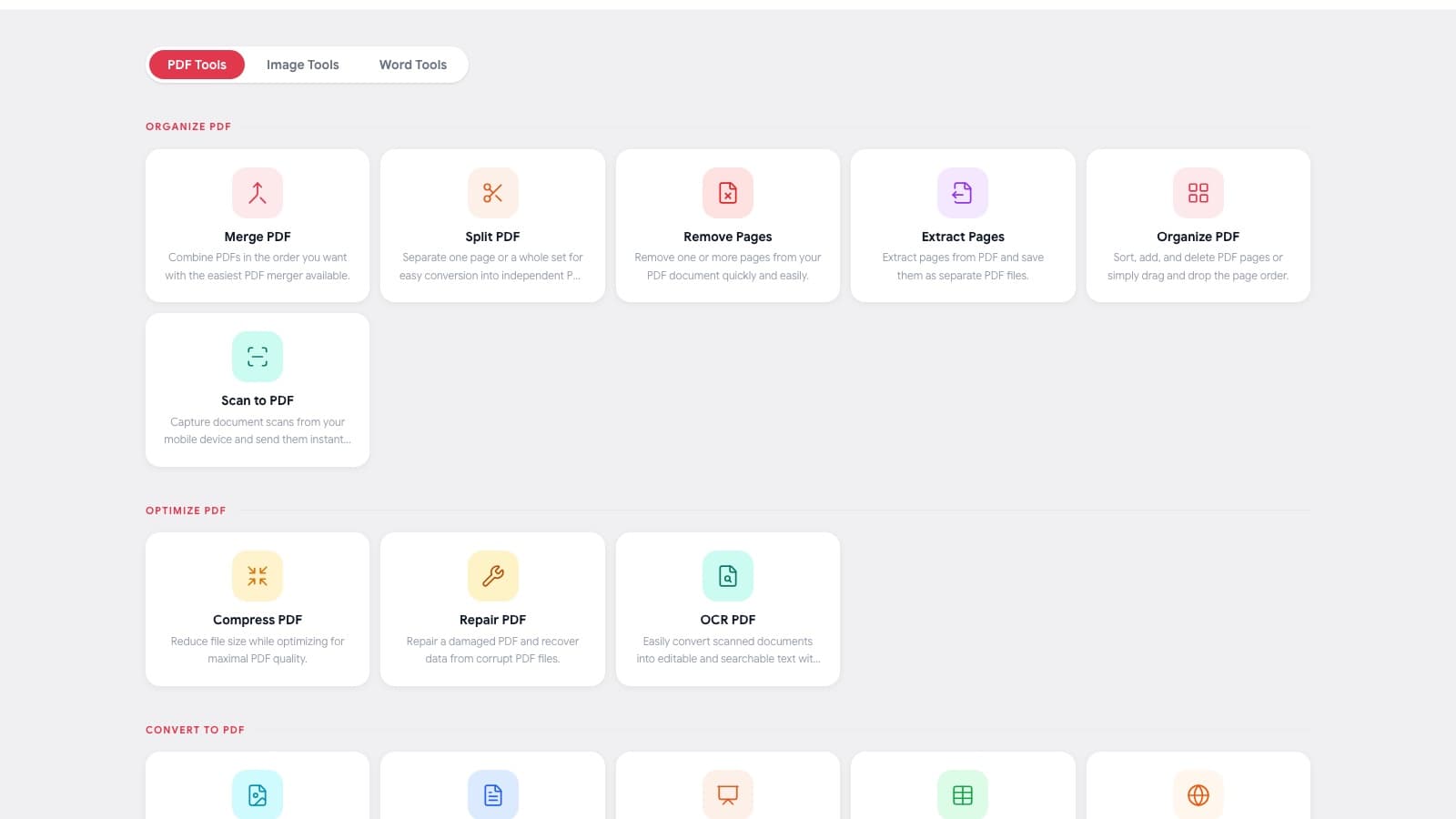
We built one web app for everyday document jobs. Tools are grouped by what you want to do, and everything runs in the browser.
| Task | What you can do |
|---|---|
| Organise | Merge, split, reorder, and extract PDF pages |
| Optimise | Compress, repair, and OCR a PDF |
| Convert | PDF to and from Word, Excel, PowerPoint, images, HTML, and ePub |
| Edit | Add text, images, watermarks, forms, and signatures |
| Protect | Security tools for PDF files |
| AI tools | Summarise, translate, and convert to Markdown |
Technologies used
Next.js
The web app and tool pages.
REST API
File processing behind each tool.
AWS S3
Storing uploads and finished files for download.
AI and OCR pipeline
Summaries, translation, and text from scanned files.
How we built it
Group tools by task
People look for a job to do, not a file format, so the tools are organised that way.
One flow for every tool
Upload, process, download. Moving from one tool to another does not mean learning a new screen.
Add AI where it helps
Summaries, translation, and Markdown conversion for jobs that used to take manual work.
Free and paid plans
Occasional use is free; people with regular document work can choose a plan.
Project statistics
- task groups
- 6
- AI tools
- 3
- software to install
- 0
The result
iLoveToolkit puts everyday PDF, image, and Word jobs in one place. There is nothing to install, and the same simple flow works for every tool.